How to Review an AI-Assisted Resume Before Applying
Check experience, skills, wording, and formatting before sending an AI-assisted resume.
Tailor your resume before you apply.
Upload your Master Resume, paste a job posting, and review a role-specific resume in minutes.
Start tailoring for free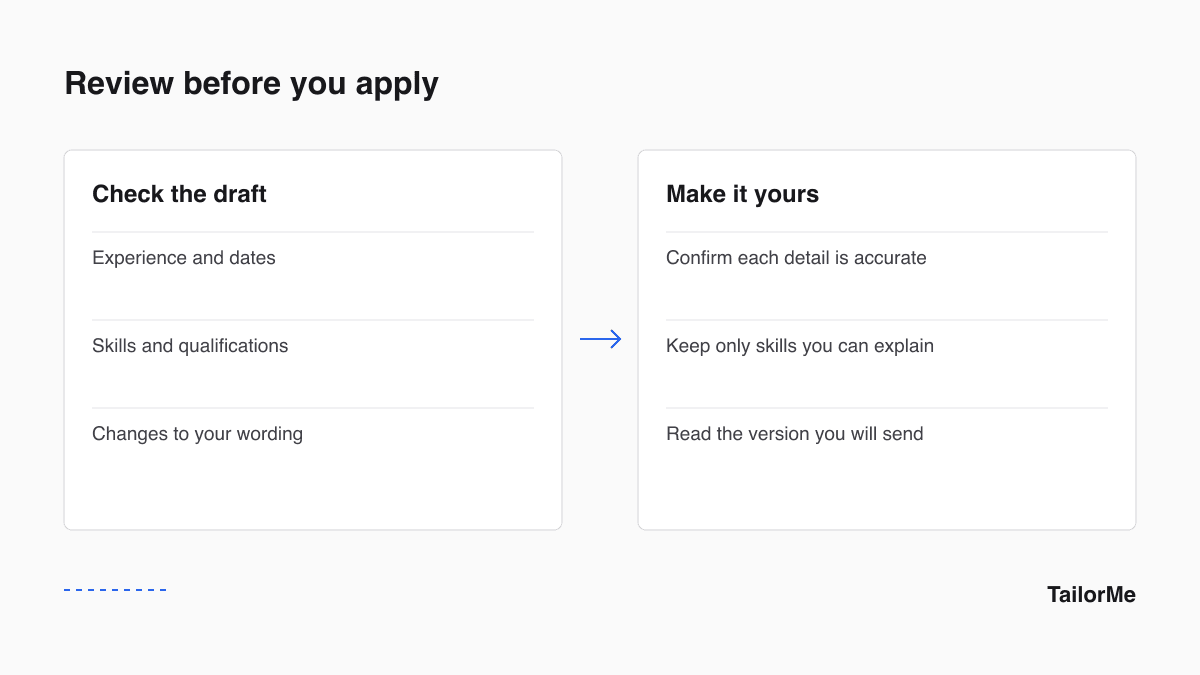
An AI-assisted draft still needs your review. The final resume should describe work you actually did, in language you can explain in an interview.
Check the facts
Compare the draft with your source resume. Verify employers, dates, qualifications, and project details. Remove metrics you cannot support and skills you have not used.
Connect requirements to evidence
For each important job requirement, find a specific example from your experience. If you do not have that experience, do not add the requirement as a skill. Explain relevant adjacent work where it helps.
Review changes in context
Read the full sentence around each edit. A stronger verb should still describe your actual responsibility. Keep the distinction between work you led, contributed to, and supported.
Inspect the exported document
Open the file you intend to send. Check headings, page breaks, contact details, and links. Follow the employer's requested file format.
Use TailorMe as a review workflow
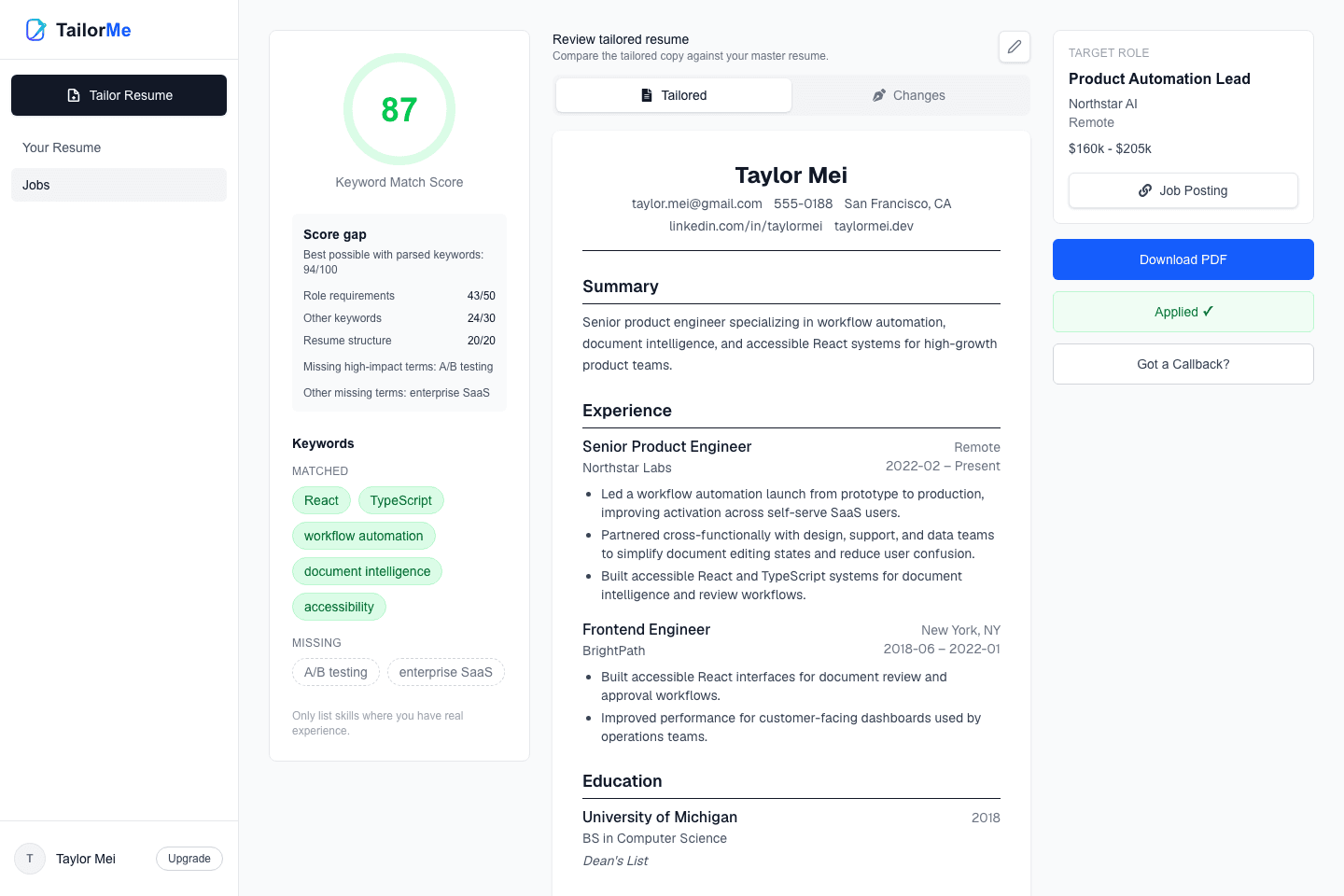
Start with your master resume, add the job description, and review the highlighted edits. Resume coach can ask for additional context when you want to describe your experience more fully. You decide what belongs in the final version.
Ready to tailor your next application?
Upload your Master Resume, add a job posting, and get a resume built for that role in minutes.
Start tailoring for free