A fresh look.
A familiar face.
Turn 5–10 everyday photos into AI headshots, explore three styles, and make the details your own.
Included with Pro. 20 generation credits a month; a new set uses 3.
 Professional portrait
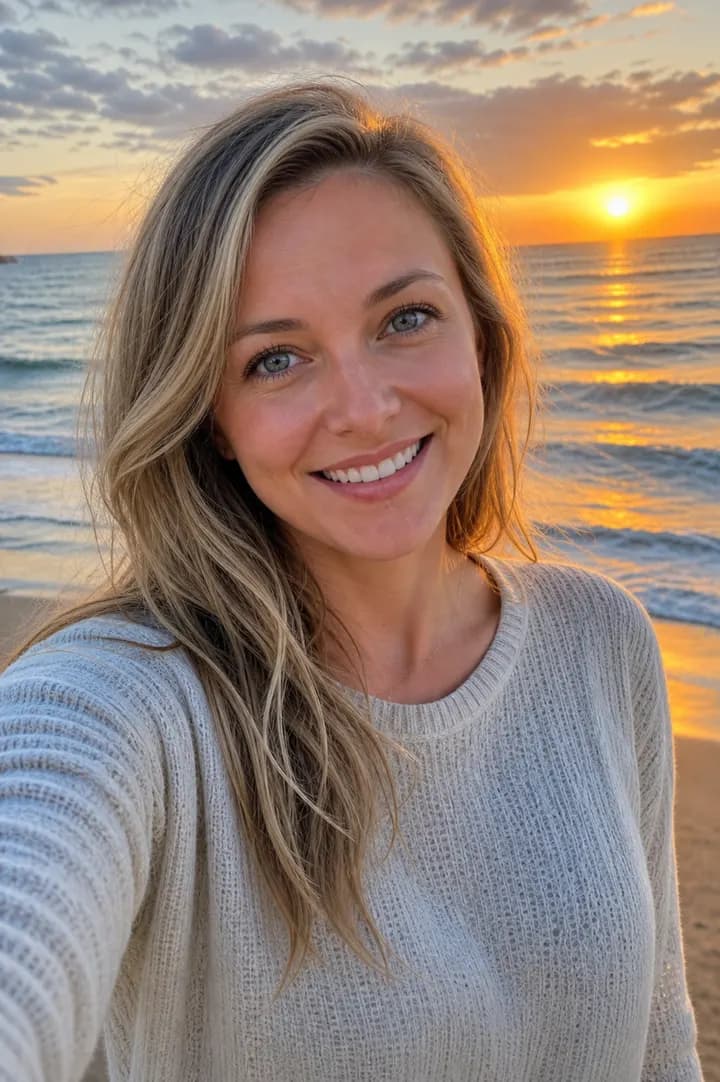
Start with your own photos.
The studio uses your photos to guide your face, while you choose the styling for your next professional moment.
Bring 5–10 different photos
Choose recent, well-lit photos with clear faces, varied angles, and natural expressions. JPEG, PNG, or WebP; 512 × 512 pixels or larger.
Meet your three styles
A new set creates three portraits, each with a different tone. Each portrait uses one generation credit, so the set uses three.
- Professional
- Smart casual
- Casual
Make the final call
Review likeness and detail. Request softer light, a different background, or a styling change, then download your favorites. Refinements also use generation credits.
A face to go with your work.
Your professional profile, your team’s website, your own corner of the internet. See how one portrait sits in different settings.
The originals guide the face. You guide the style.
Refinements use your original photos for facial reference and your chosen portrait for styling. Review the face, proportions, and details before using a result publicly.
Portrait placement preview
Alex Morgan
Product designerThoughtful work. A familiar face.Sample layouts using the same synthetic portrait. Preview the placement, then download your image to update your own profile.
Before you start.
What photos should I upload?
Use 5–10 different, recent photos of yourself with clear faces and good lighting. Include a front view, both three-quarter views, and varied natural expressions. Avoid filters, sunglasses, covered or cropped faces, and group photos. JPEG, PNG, and WebP files are supported; each must be at least 512 × 512 pixels.
What styles can I create?
A new set creates three portraits: professional, smart casual, and casual. Compare the results and choose a style that fits your LinkedIn profile, professional bio, or recruiter profile.
How does the Pro allowance work?
The standard Pro allowance is up to 20 generated portraits per calendar month. Each portrait uses one generation credit, so the three-style set uses three credits. Refinements also use generation credits. Your account shows your available allowance; check the pricing page for current subscription pricing.
Can I refine and download my headshots?
Yes. Select a generated portrait and describe a styling change, such as softer light or a different background. Refinements use your original reference photos with the selected portrait as a styling reference. You can download your finished portraits from the studio. Older portraits may require a new photo set before refinement.
Will every portrait look exactly like me?
AI-generated portraits can vary in likeness and detail. The studio uses multiple reference photos and aims to preserve your facial features while changing styling. Review the face, proportions, and details before using an image publicly; choose or refine a result that represents you accurately.
Put a face to your next opportunity.
Headshot Studio is included with Pro alongside resume tailoring. Start with your own photos, review the results, and build a professional profile that represents you.