Introducing Editable Word Resume Downloads
TailorMe now exports machine-readable DOCX resumes that are easier for many applicant tracking systems to process, while remaining fully editable.
Tailor your resume before you apply.
Upload your Master Resume, paste a job posting, and review a role-specific resume in minutes.
Start tailoring for free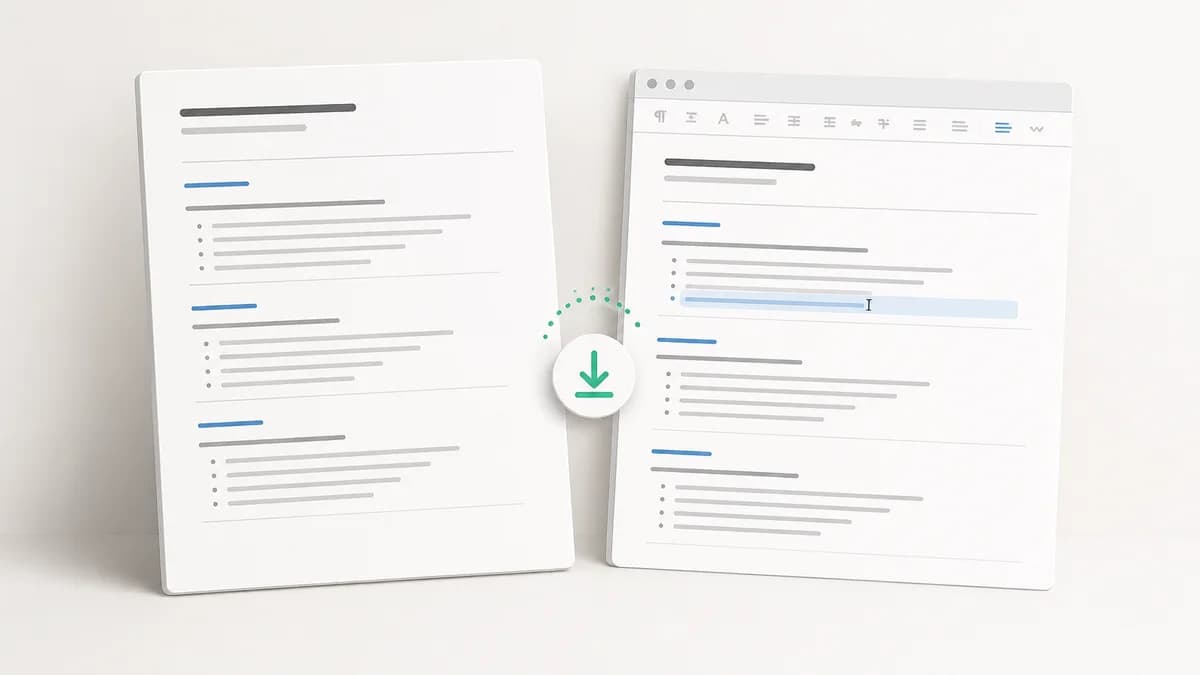
A resume has two audiences: the person who reviews it and the software that processes it first. That software is one of the most important reasons we added Word downloads.
TailorMe now gives you that flexibility. You can download your Master Resume or any tailored resume as an editable Word document (.docx), in addition to PDF.
DOCX files expose document structure—headings, paragraphs, bullets, links, and reading order—in a form that many applicant tracking systems can process directly. PDF is primarily a page-presentation format. Extracting complete, correctly ordered information from a PDF can require layout analysis, OCR, or AI-assisted processing, particularly when the file is scanned or visually complex. That extra processing costs money and becomes significant across a large applicant pool.
The new format gives employers a cleaner machine-readable document while keeping the content you reviewed in TailorMe, carrying over your chosen resume style, and opening in common word processors for final edits. PDF remains available when preserving the exact visual layout is the priority.
Why DOCX is easier for many applicant tracking systems
An applicant tracking system needs more than a page that looks correct. It needs to identify your name, contact details, employers, roles, dates, skills, education, and bullet points, then place each piece of information in the right field.
DOCX stores that information as structured document content. A parser can read normal paragraphs, real list items, hyperlinks, and styles without first reconstructing the page. TailorMe reinforces that advantage by generating a single-column Word file with a straightforward reading order.
A text-based PDF can also be machine-readable, and a clean PDF may parse successfully. The challenge is that PDF describes where content appears on a page more than what that content means. A parser may have to determine whether two nearby text blocks belong to the same sentence, whether a date belongs to the role on its left, or whether content in a second column should be read next. Scanned PDFs add another step because the characters may need to be recognized from an image.
Modern AI and layout-aware extraction can solve many of those problems, but it consumes more computing resources than reading structured text. For an employer processing hundreds or thousands of applications, that difference can raise ingestion costs or encourage the system to use a simpler parser that misses information.
This is why we added DOCX as a first-class export rather than treating it only as an editing convenience. A machine-readable resume gives your experience a better chance of reaching the ATS in the structure you intended, without requiring the employer to spend extra processing effort reconstructing the document.
Why offer both PDF and DOCX?
PDF and DOCX solve different parts of the application process.
A PDF is useful when exact visual presentation matters. It holds its layout across devices and gives you confidence that the recruiter sees the version you reviewed.
A Word document is often the stronger choice for machine readability, and it is better when the file still needs to change. Some employers request a DOCX file. Some recruiters ask for a small revision before presenting a candidate. You may also want an editable archive that is easy to reuse outside TailorMe.
You should not have to choose one format for your entire job search. TailorMe lets you choose at download time:
| Choose PDF when... | Choose DOCX when... |
|---|---|
| Exact visual presentation is the priority | Machine readability is the priority |
| You want the most consistent layout | You expect to make another edit |
| A person will review the file directly | An ATS will parse the file |
| The application specifically requests PDF | The portal requests or accepts .docx |
| You need a fixed, non-reflowing version | You want a reusable, structured working copy |
What the editable resume keeps
The Word export is built from the same approved resume data as the PDF. It keeps your contact details, summary, experience, education, skills, projects, certifications, and other supported sections.
It also preserves the practical details that make editing easier:
- Your selected font, colors, type scale, and section hierarchy
- Real bullet lists instead of pasted bullet characters
- Clickable email, website, and profile links
- Clear paragraph styles for names, headings, entries, and body text
- A clean, single-column reading order
- Every approved resume section without shortening content to force a one-page file
That final point is important. A DOCX file is meant to remain editable, so TailorMe does not remove or compress approved content just to hit an exact page count. Longer resumes may flow onto another page. You can make the final tradeoff in your editor with the full content still available.
Why a native DOCX is better than converting a PDF
It is possible to open some PDFs in a word processor or run them through a file converter. The result may look close to the original at first, but editing can reveal how the page was reconstructed. A line that looked like one sentence may be split across separate elements. Bullets may become individual characters. Spacing may depend on invisible boxes rather than normal paragraphs.
That happens because PDF and DOCX describe a page differently. A PDF is designed to preserve where content appears. A Word document is designed to preserve a document structure that can reflow as you edit it.
TailorMe generates the Word file directly from your structured resume instead of converting the finished PDF. That means a job title remains an entry heading, a bullet remains part of a real list, and a section heading remains a styled paragraph. When you add a line or change a date, the surrounding content can move naturally.
The PDF and DOCX exports still come from the same approved source. They are two presentations of one resume, each built for a different next step.
A Word resume designed for editing and readability
DOCX can support complicated page layouts, but complicated is not always useful. Text boxes, decorative columns, and manually positioned shapes can be frustrating to edit and may create a confusing reading order when another system extracts the text.
TailorMe keeps the Word version text-first and single-column. The visual character of your selected template still comes through in its typography, color, spacing, and headings, while the document structure stays straightforward.
Even the profile-sidebar template becomes a single-column Word document. That is an intentional tradeoff: the PDF can carry the more visual layout, while the editable version remains easier to revise and reuse.
When an editable resume is especially useful
A DOCX file is valuable when an ATS will process the application, or when the application has an extra handoff or editing step.
A recruiter asks for a small change
A recruiter may want a location added, an older role shortened, or a particular project made easier to find before sharing the resume with a client. With a DOCX copy, you can make the requested change while preserving the rest of the structure.
Review the request before accepting it. A recruiter can help position your real experience, but you should not add a skill, title, or result you cannot support. Keep an untouched copy of the version you originally approved so you can compare the final edit.
An employer requires a Word file
Some application portals or hiring teams specify an accepted file type. Follow the instruction shown in the application rather than assuming one format is universally preferred. If the portal asks for DOCX, you can now provide it directly. If it accepts PDF, use whichever version you have reviewed most carefully.
You want to collaborate with a career coach
A coach, mentor, or trusted colleague may prefer to leave comments and tracked changes in a word processor. Exporting a DOCX gives them an editable working copy while keeping your TailorMe version intact.
Ask reviewers to focus on the role you are pursuing, not just grammar. The most useful feedback often identifies a missing result, a vague claim, or an important qualification that is buried too low on the page.
You need an offline working copy
Keeping a local editable resume can be useful when you are traveling, preparing for a meeting, or organizing a long search. Treat that file as a branch of the resume rather than a replacement for your Master Resume. If an offline edit adds important evidence you will reuse, bring that information back into your Master Resume so the next tailored version can use it too.
How to download a resume as a Word document
The new option is available from the same download menu you already use.
- Open your Master Resume or a finished tailored resume.
- Review the content and confirm that every claim is accurate.
- Select Download.
- Choose Word document (.docx).
- Open the file in your preferred compatible editor and make any final changes.
If you later change the resume inside TailorMe, download a fresh copy so the exported file reflects the latest approved version.
What to check after editing a DOCX resume
An editable file gives you control, which also means the last quality check belongs to you. Before uploading the document, review it from top to bottom.
Confirm the content
Make sure a quick edit did not change the meaning of a bullet or disconnect a result from the correct role. Check names, dates, titles, metrics, tools, and links. Every line should still describe experience you can explain in an interview.
Check page breaks
Word processors can render fonts and spacing differently. Look for a heading stranded at the bottom of a page, a single bullet pushed onto a new page, or a large empty gap. Small spacing adjustments are usually better than deleting strong evidence.
Keep the structure simple
Avoid adding text boxes, icons, rating bars, or multiple columns during the final edit. A restrained layout makes the resume easier for people to scan and simpler for software to process.
Save the exact version you send
Keep the final file with the company and role in its name, then save it alongside the job posting. If a recruiter calls later, you will be able to reopen the exact resume they received instead of guessing which draft you submitted.
Keep TailorMe as the source of truth
The freedom to edit outside TailorMe creates one practical question: which version is current?
Use your Master Resume as the durable record of your experience. It should hold the accurate roles, projects, tools, achievements, dates, and education details that may matter across future applications. Use each tailored resume for the story you want to tell one employer. Use the exported DOCX for last-mile changes that belong to one specific handoff.
If a DOCX edit improves the underlying record, update TailorMe too. For example, a coach may remind you of a verified metric that strengthens several future applications. Add that metric to the appropriate Master Resume entry instead of leaving it trapped in one local file.
If the change only matters to one company—such as moving a relevant project higher—keep it with that application. This prevents a temporary edit from quietly becoming the default for unrelated roles.
A simple naming convention can help:
Company-Role-Tailored-2026-08-14.docxfor the editable working copyCompany-Role-Submitted-2026-08-14.pdffor the final version you sent- A folder containing the job posting and any recruiter notes
The exact naming pattern matters less than being able to identify the submitted document quickly.
Frequently asked questions
Can I still download a PDF?
Yes. PDF remains available in the same download menu. Select the format that fits the current application.
Does the Word file include all of my resume content?
The DOCX export keeps all approved content included by your current resume settings. Unlike the PDF fitting process, it does not shorten or remove content to target a one-page layout. The final page count can therefore differ from the PDF.
Will the DOCX look exactly like the PDF?
The Word version carries over the template's typography, colors, spacing, and hierarchy, but it is optimized as a clean single-column document. A more visual PDF template may not have an identical page structure in DOCX.
Can I edit the file in any word processor?
DOCX is a standard document format supported by many desktop and web editors. Rendering can vary slightly between applications, installed fonts, and devices, so open the exported file in the editor you plan to use and review every page before submitting it.
Should I upload DOCX or PDF to an application?
Follow the employer's file instructions first. If both formats are accepted and the resume will enter an ATS, DOCX is often the more machine-readable choice. Use PDF when exact visual presentation is more important or the employer specifically requests it.
A more flexible end to the tailoring workflow
The best application format depends on what happens next. When an ATS needs to extract your experience, DOCX offers clear document structure without the extra work of reconstructing a PDF page. When a person needs to see a locked visual presentation, PDF remains useful. And when another edit is expected, Word gives you that flexibility too.
Now TailorMe supports both without asking you to rebuild the resume somewhere else. Start with a complete Master Resume, tailor it to the job description, review every change, and download the format that fits the application.
Create your next tailored resume and choose PDF or DOCX when you are ready to apply.
Ready to tailor your next application?
Upload your Master Resume, add a job posting, and get a resume built for that role in minutes.
Start tailoring for free